Free to download
Explore the workspace, read the guide, inspect connected storage and image details, preview supported operations, and complete one included Smart Format with the same confirmation and safety checks.
DucyDrive · Android USB tools
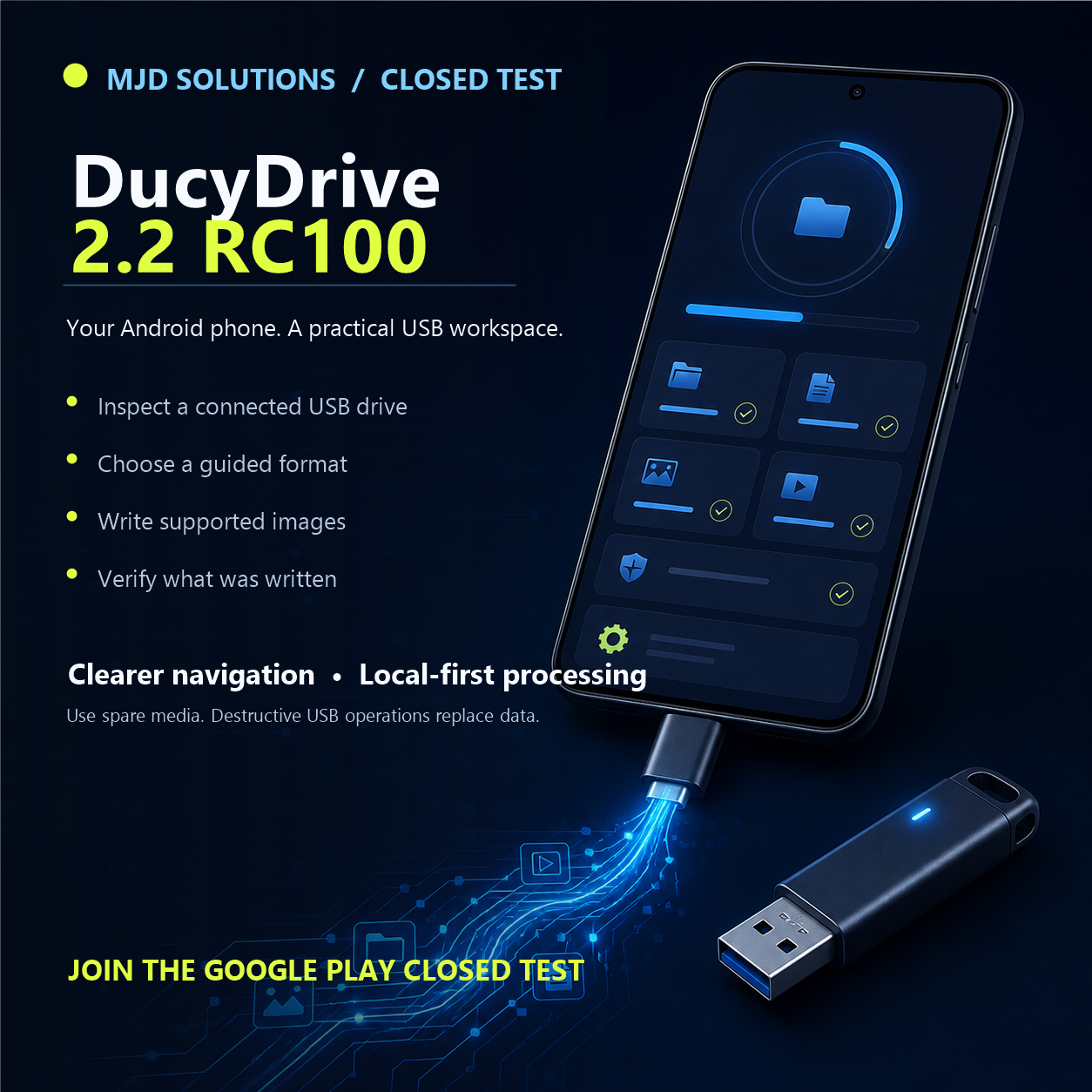
DucyDrive AIO USB Tools brings guided USB inspection, formatting, image writing, verification, testing, and recovery to compatible non-rooted Android devices.
The Google Play edition
DucyDrive organizes USB work into five clear sections: Dashboard, Guide, Settings, IP, and About. Each workflow explains what it can change before you begin.
USB operations can permanently change a drive. Compatibility and boot behavior depend on the image, device, adapter, and firmware. Always use spare media and keep a backup.
Straightforward access
DucyDrive has no advertisements, subscriptions, coins, credits, or recurring charges. A single Google Play purchase permanently unlocks the completed Premium tools for the purchasing Google account.
Explore the workspace, read the guide, inspect connected storage and image details, preview supported operations, and complete one included Smart Format with the same confirmation and safety checks.
Unlock all further formatting, image writing, backup, recovery, testing, and other Premium tools through Google Play. Purchases can be restored through the same account.
No ads. No coins. No subscriptions. No token packs. Destructive actions still require clear confirmation and should be used with a backup.
A capable USB toolkit in your pocket
Connect a compatible USB drive to your Android device and handle common storage jobs with clear choices, safety checks, and no root access.
Review the selected device, capacity, partitions, and filesystem details before making changes.
Prepare compatible drives with supported filesystems through a guided, confirmation-based workflow.
Inspect supported image files and choose a guided writing workflow for compatible USB media.
Read image and drive details, choose an appropriate layout, and see important cautions before a destructive action.
Use supported source-hash, read-back, partition, and filesystem checks, then keep a clear operation receipt.
Follow the full in-app User Manual and plain-language guidance for every major workspace.
Recorded on a real Android device
This earlier real-device recording shows the core connected-USB workflow. The current Play edition extends the interface and verification behavior described above.
What the demonstration shows
One official destination
This public site contains the information users and platform reviewers need. Application source, signing material, license-authority keys, purchase records, and internal engineering documents are never published here.
Core image-writing capabilities
Writes supported raw-image content to the selected USB drive as a complete image rather than a normal file copy.
When selected and supported, reads written content back from the USB drive and reports the verification result.
Surfaces layout and metadata concerns before an operation so a user can make a deliberate choice.
Explains compatible image sources and safety limits before a large write begins.
Resources
What the app accesses, what stays local, and how user-selected files are handled.
Read the policy →License scope, safety responsibilities, warranty limits, and acceptable use.
Review the terms →Get help without exposing private data, license files, or device identifiers.
Contact support →User-visible demonstrations of connected-device and data-transfer operations.
View demonstrations →A concise, versioned history of completed features shipped to users.
View release history →Project story & authorship
Michael Ducylowycz conceived, created, and directed DucyDrive. The product grew from more than three years of research, workflow design, technical planning, and dedicated Android engineering.
DucyDrive is 100% created and developed by Michael Ducylowycz, owner of MJD Solutions. Product decisions, requirements, architecture, engine design, implementation, validation, release authority, and proprietary ownership are entirely under Michael’s control.
Third-party platforms, libraries, trademarks, and filesystem names remain subject to their respective owners and licenses.