Built for real tasks
Guided USB inspection, supported formatting, image inspection and writing, backup, restore, testing, receipts, and novice help.
DucyDrive 4.0 · Android 10+
Version 4.0.0 (276) was submitted to Google Play for review on November 7, 2026. The current production release is 3.0.0 (246). Check Google Play for the version available to your device.
Two-stage Easy setup, expanded formatting choices and free experimental Data rescue are included in the submitted 4.0 update. Premium actions require a one-time purchase. The current U.S. price is US$1.99; regional prices and applicable taxes vary. Compare access · 4.0 changes.
Earlier screenshots, videos and instructions below describe their labelled versions. Existing manuals and guides have not been rewritten for 4.0.
MJD Solutions · Press & review information
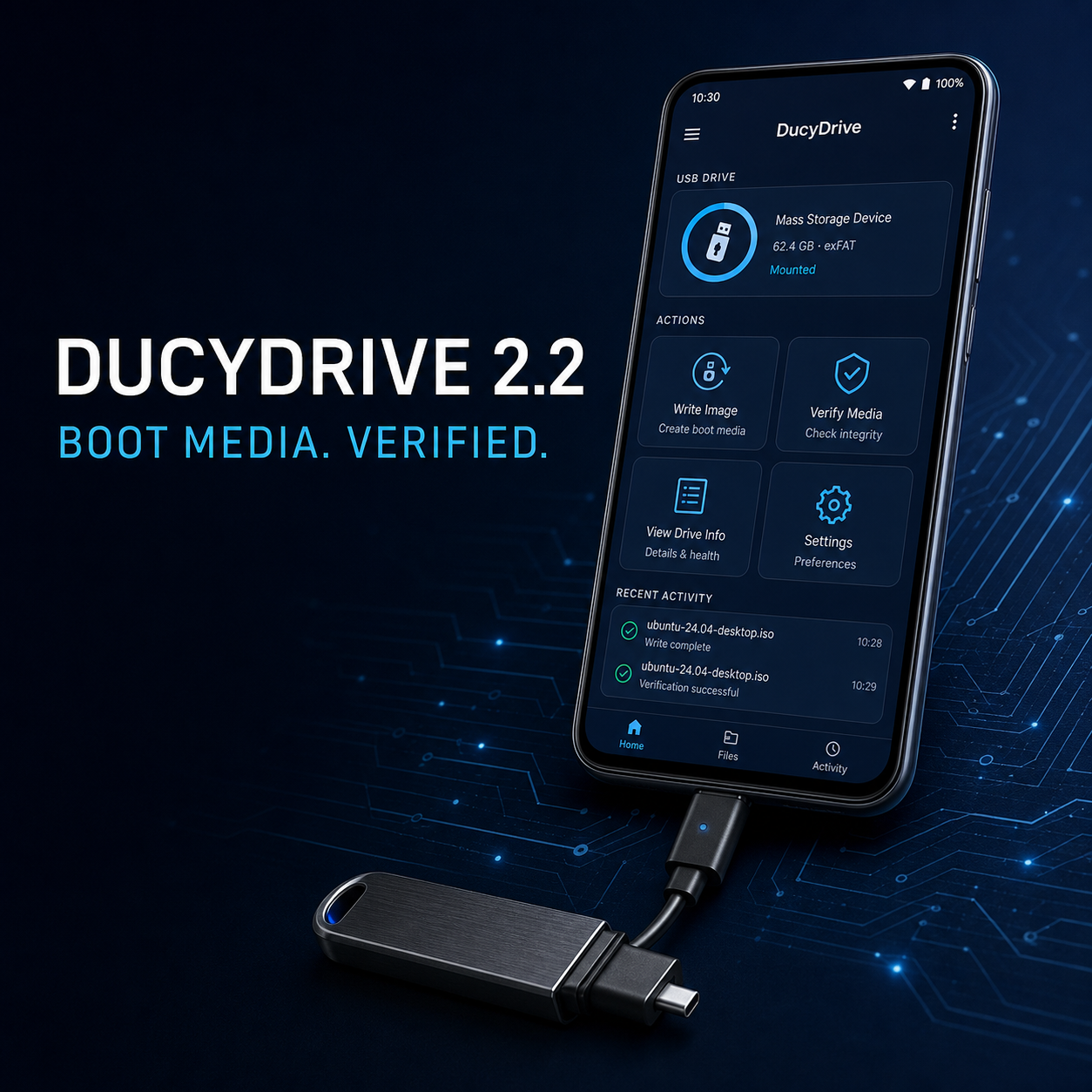
DucyDrive AIO USB Tools is a local-first Android app for compatible connected USB drives: inspect storage, prepare supported media, write images, verify results, and understand the next step.
One-sentence description
DucyDrive helps people understand and safely work with a USB drive from an Android phone or tablet, using clear confirmations and receipts instead of unexplained technical output.
Guided USB inspection, supported formatting, image inspection and writing, backup, restore, testing, receipts, and novice help.
Free File Explorer, USB inspection, GPT analysis, guides and setup previews. Free formatting is limited to compatible drives up to 2 GiB, FAT12/FAT16, MBR, Quick mode and Data use. Other supported formatting setups, raw-image writing, drive-image backup, speed/capacity testing, wiping, eligible GPT repair and verified metadata rollback require a paid, one-time Premium unlock. Metadata rollback is not deleted-file recovery. The app displays the current regional product price supplied by Google Play; confirm the final price and any applicable tax at checkout. No ads or subscriptions. Compare Free and Premium.
User-initiated USB content processing stays on the connected Android device. Review the full privacy policy.
See the labelled interface captures. Version 3.0.0 (246) was released on Google Play on October 21, 2026; see the current screenshots and PDF walkthrough. Check Google Play for customer availability. The actual app captures, recorded on a virtual Android handset, show the new Dashboard, separate Free/Premium tabs and Guide. The 2.6.5 video remains a historical interface reference.
Please evaluate with disposable media and a compatible USB adapter. USB operations can alter data, and boot results depend on the image, target device, adapter, and computer firmware. DucyDrive reports the checks performed; it does not promise universal boot compatibility.
For review questions, technical context, or current product materials, email mjducy@gmail.com.